Retro Texture Baker - WebGL
Retro Texture Baker
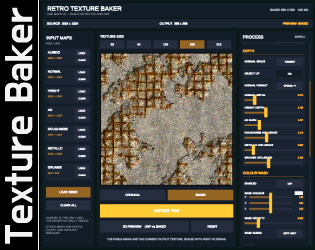
A browser-based tool for turning PBR texture maps into baked retro-style colour textures.
Load your albedo and any available Normal, Height, AO, Roughness, Metallic or Grunge maps. The tool uses the information in those maps to create directional lighting, depth, cavity shading and surface variation directly in the final texture.
You can then adjust the colour, add noise, posterize the image, reduce colour depth, apply dithering and export the finished texture as a PNG.
Useful for retro games, unlit materials, simple 3D engines, Web games, prototypes or any project where you want the look of baked material detail without relying on a full PBR setup.
How to use
- Load an Albedo texture.
- Add any other PBR maps you have available.
- Choose the output texture size.
- Adjust the lighting, depth and colour controls.
- Use Original / Baked to compare the result.
- Press Preview to compare the original PBR material against the baked unlit texture.
- Export the finished PNG.
Please remember that baking or processing a texture does not automatically remove the licence or usage terms of the original material.
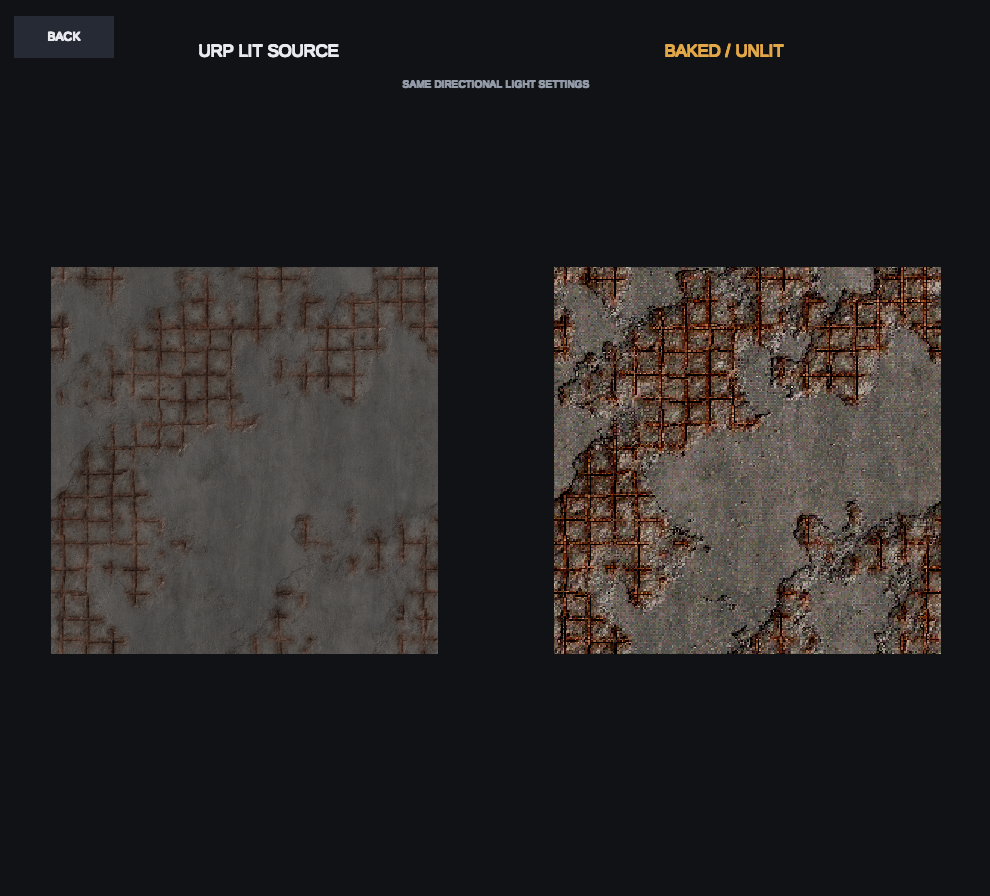
Concrete 041C from cc0-textures.com
Need some PBR textures?
Try these free CC0 PBR texture libraries:
Download a material, load the available PBR maps into Retro Texture Baker and start experimenting.
About this tool
This is a small free tool released as-is. I may improve or update it in the future, but I can't provide individual support or guarantee fixes for every browser, texture set or project setup.
Have fun and I hope it's useful.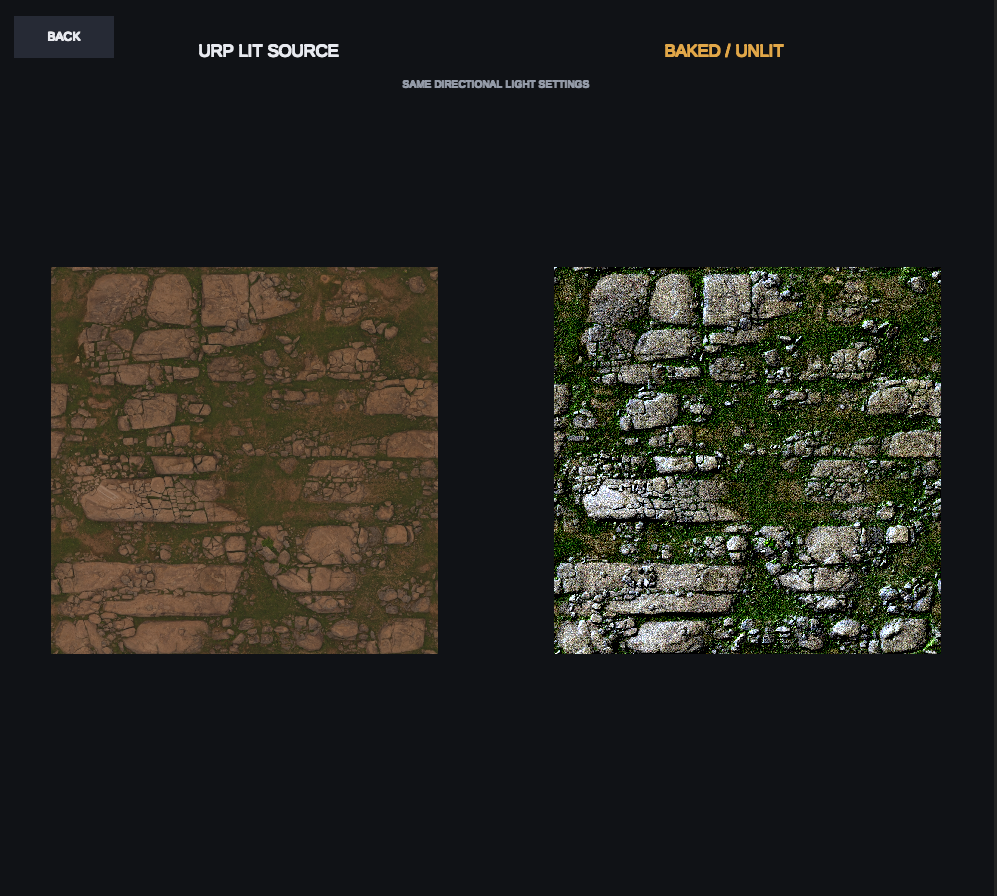
Rocky Terrain from cc0-textures.com
Using object-space normal maps
Retro Texture Baker can also use object-space normal maps to bake directional lighting across a fully UV-unwrapped 3D prop.
This is useful for static props where the texture is unique to the model rather than tiled. An object-space normal map keeps the surface direction consistent across the whole object, allowing the baker to treat each texel as part of the original 3D shape.
Object-space normal maps can be baked in tools such as Blender and Substance.
Select Object under Normal Space, then choose the correct Object Up axis for your normal map.
- Elevation 90° lights directly along the selected Up axis.
- Elevation 0° gives a horizontal side light.
- Direction Angle rotates the light around the selected Up axis.
There is no model preview for this workflow. The baker only sees the texture maps, so you will need to test the exported texture back on your model.
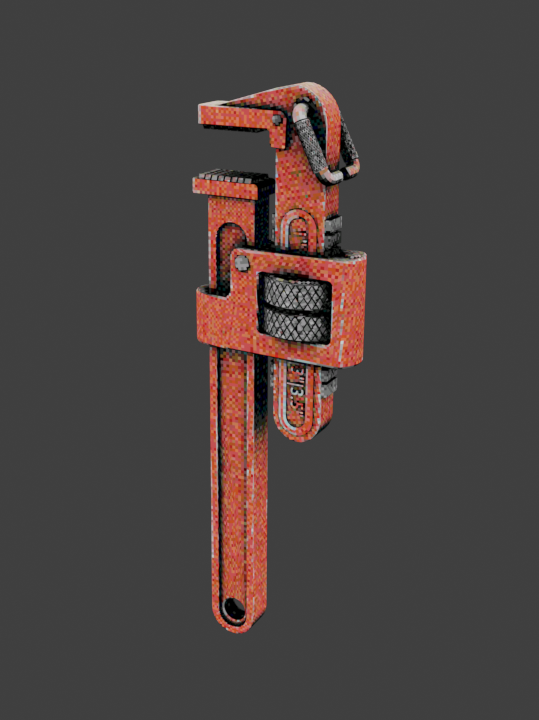
The example images below were created using this technique.
World-space or other directional normal maps may also work when their encoded axes match the baker controls, but Object Space is the intended model-baking workflow.
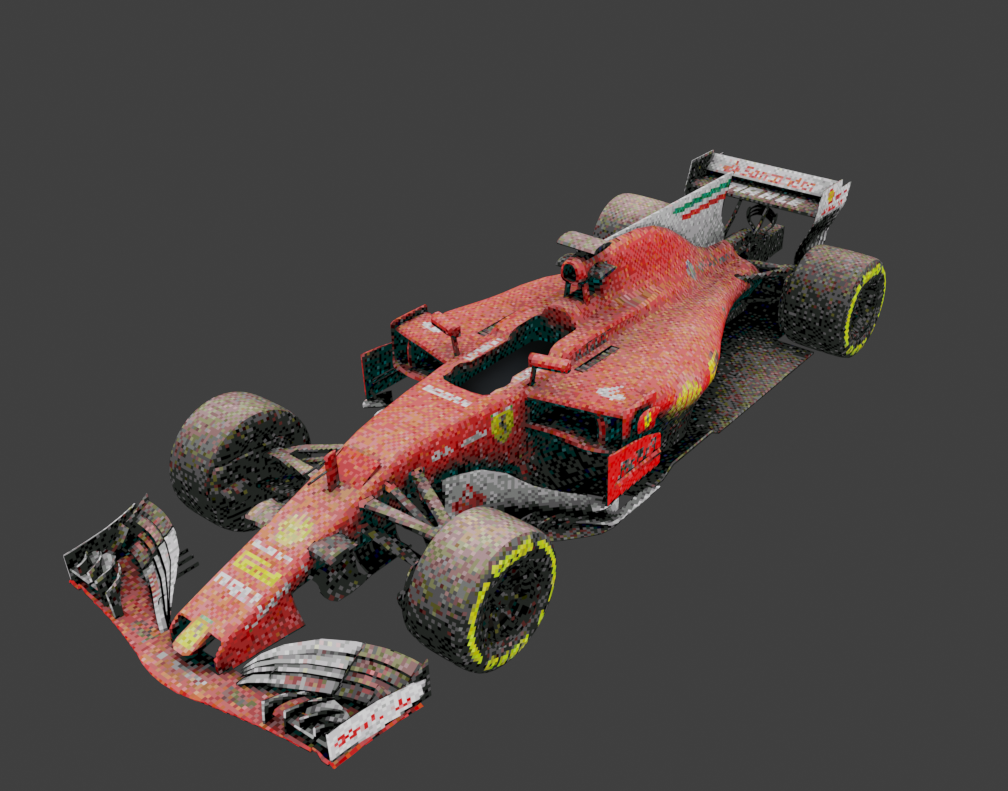
Ferrari formula 1 3D Model by dil_afroze
More Packs